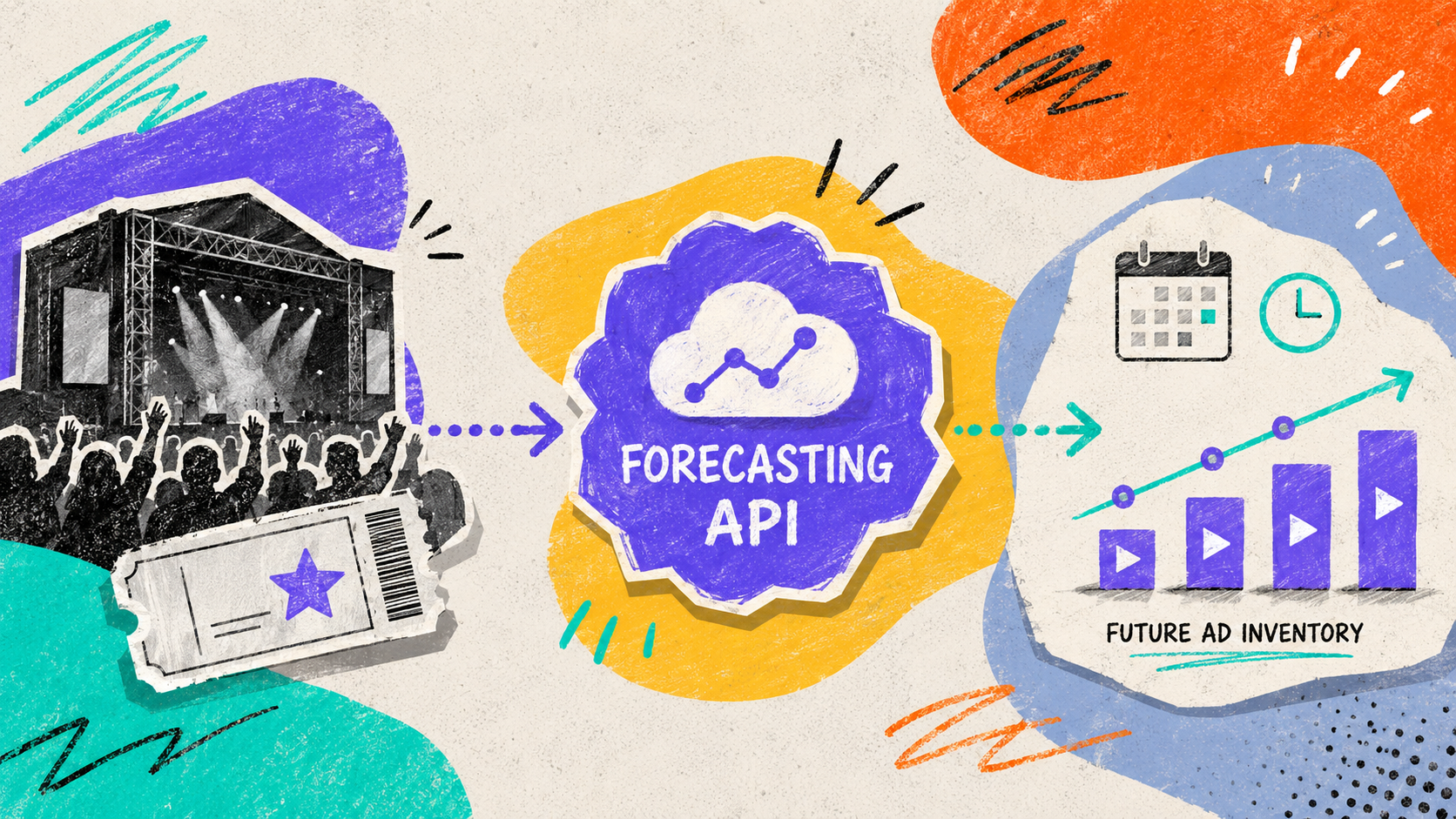
Roughly three weeks out from a big playoff game, the broadcaster already has the basics lined up: yes, the event is happening; here’s the start time; here’s a ballpark for peak audience by country; and here’s the general outline of the ad inventory. Not exactly legendary, but it’s the support everyone quietly depends on.
It’s not glamorous. No one’s writing odes to the pre-game spreadsheet. But this is the kind of handoff that keeps live-event advertising from devolving into a last-minute panic spiral.
Enter the IAB Forecasting API, which takes all that pre-event guesswork and gives it a standard shape
…finally, something that doesn’t require a 47-tab spreadsheet or a frantic Slack thread.
The timing should be noted, because all the real decisions start before a single ad request even exists. Buyers are already plotting budgets, exchanges and DSPs are quietly flagging the opportunity, and somewhere, an infrastructure team is bracing for the traffic spike.
The interesting part is the API turns a vague, human sentence like “there’s a game on Sunday night” into something partners can sync up with.
The API Is More About Future Live Event Ad Inventory Supply
The Forecasting API came out of IAB Tech Lab’s LEAP (Live Event Ad Playbook) work around live event advertising. That origin matters because the spec is not trying to describe every kind of video inventory. It is focused on a very specific pre-live problem, i.e., live events that create sharp demand, sharp supply, and sharp operational risk simultaneously.
Drawing that line keeps things simple. Forecast data is just for the pre-event record. Everything else, like live delivery and measurement, stays where it belongs, in the tools built for those jobs.
Once the event is live, other systems take over:
| Question | Better home |
|---|---|
| How many active streams are there right now? | Concurrent Streams API and live systems |
| What are the commercial terms of the deal? | Deal API |
| What should happen in a specific auction? | OpenRTB and the ad-serving path |
| What was actually delivered? | Measurement and reporting systems |
Why This Exists: Live Traffic Is Rude
VOD (Video on Demand) traffic is already a bit of a rollercoaster, but live events are where things get truly ridiculous. One minute you’re cruising along, the next, a big game or election night drops a tidal wave of viewers into the same stream at the exact same moment.
Cue the parade of extremely unsexy but painfully real problems: dropped ad requests, timeouts, ad errors, pacing that makes no sense, and the infamous filler slate where an ad was supposed to be. Because obviously, what every brand dreams of is their big moment being replaced by a blank break card.
Before the arrival of a standard forecast object, sellers did what sellers always do. Cobble together warnings however they could. Maybe an email here, a spreadsheet there, a random concurrency estimate lobbed over Slack.
On the other end, every publisher invents their own format, every partner gets to play interpretive dance with the data, and by the end of the season, everyone’s just a little bit more tired and a lot less scalable.
The Mental Model Is a Live Events Manifest
So when the spec calls this a “standardized messaging format for syncing a Live Events Manifest,” the important word is manifest.
A manifest is a tidy description of what is supposed to happen. Think flight manifest crossed with production schedule. It does not fly the plane or run the show; it tells everyone which event we mean, when it is expected to happen, what is attached to it, and which details are still uncertain.
Here, the manifest gives buyers and sellers a shared way to discuss future live programming without having to translate between private event names, partner calendars, and half-updated spreadsheets.
A stripped-down version might look like this:
{
  "id": "debate-2026-10-15", // Unique ID for this event
  "scheduledstart": 1792098000000, // Event start time in Unix milliseconds: Oct 15, 2026 5:00 PM EDT
  "scheduledend": 1792105200000, // Event end time in Unix milliseconds: Oct 15, 2026 7:00 PM EDT
  "flexibleend": 0, // 0 means the end time is fixed
  "eventstatus": 1, // Status code, likely active/scheduled
  "content": {
    "title": "National Leadership Debate", // Event title
    "genre": "politics" // Event category
  },
  "streamsdata": [
    {
      "country": "USA", // Country where stream data applies
      "expectedpeak": 2100000, // Expected peak viewers
      "lowerbound": 1400000 // Conservative/lower viewer estimate
    }
  ],
  "inventoryconfig": {
    "supportedmtype": ["video"], // Supported ad type: video
    "totaladdurationsec": 720, // Total ad duration in seconds: 12 minutes
    "expectedpodcount": 6, // Expected number of ad breaks/pods
    "unplanned": 0 // 0 means planned event
  }
}
Don’t just see this as another chunk of production JSON to copy and paste. You can think of it more like a mental cheat sheet. You’ve got your schedule, your forecast range, your content metadata, and the ad opportunities you’re expecting, all orbiting around the same upcoming program.
The Request Object Is Small Because the Event Record Does Most of the Work
The request side is light.
ForecastRequest has three fields:
version: the schema version, such as 1.0.0requestor: the authorized party requesting informationfdp: the Forecast Data Provider filter, useful when an endpoint contains data from multiple providers
Most of the meaning sits in the response. The request is just the polite knock on the door: identity, schema version, and, if needed, a filter for one Forecast Data Provider.
The spec leaves plenty of room for everyone to pick their own adventure. Maybe the streamer hosts the endpoint. Maybe the publisher shrugs and lets an SSP or another partner handle the forecasting service. Either way, someone, somewhere, is stuck with the job of wrangling schedules, metadata, and authorization rules so the right people can get the data before the event.
Here’s what everyone wants: the event records, complete with a little timestamp badge so you know exactly when they popped into existence.
According to the source, the response object includes:
version: the response schema versiontimestamp: the snapshot time, as Unix millisecondsevents: the requested event data
The timestamp is not just a nice-to-have. Forecasts shift around—sometimes wildly. You check the API at 9:00, then again at 9:05, and suddenly the peak audience has leaped because someone dropped a promo or the ad inventory has shuffled after a last-minute programming decision. If you don’t have the timestamp, all you get is the ‘latest.’ With it, you can see what changed, and when.
UpcomingEvent Is the Core Object
UpcomingEvent is the main record. It represents one future live event.
A plain-English version of the object:
| Field | What it describes |
|---|---|
id | Publisher-provided event identifier, ideally matching content.id |
scheduledstart | Expected start time, as Unix milliseconds |
scheduledend | Expected end time, as Unix milliseconds |
flexibleend | Whether the scheduled end is fixed or flexible |
content | AdCOM Content metadata |
eventstatus | Scheduled, tentative, or canceled |
streamsdata | Expected streams or viewership by country |
inventoryconfig | Expected ad inventory configuration |
lastmodifieddate | Most recent update time for the record |
ext | Optional extensions |
event IDs are the unsung heroes here. One partner calls the game playoff-final-7, someone else goes with sunday-night-final, and the reporting tool? event_8831. So instead of one event, you’ve accidentally spun up three tiny identity crises, all pretending to be the same thing.
The simple fix is to ensure the forecast event ID matches the content.id that appears later in bid requests. That way, a DSP can set up targeting in advance and recognize the event when the auction traffic rolls in. The tricky bit: publishers probably don’t want to hand out their internal CMS IDs, so a hashed or privacy-friendly version is usually the way to go.
AdCOM Shows Up Because the Content Metadata Already Has a Language
Here, the API resists the urge to invent yet another metadata model for live events. Instead, it just points at the AdCOM 1.0 Content Object and borrows what programmatic advertising already knows.
AdCOM is the IAB’s official way of describing advertising and media objects. It is a shared vocabulary for terms such as title, series, language, network, category, and content rating. You do not need to memorize AdCOM to make sense of the Forecasting API. The only thing that matters here is that the API borrows from the existing language rather than cooking up a new one.
This tiny bit of restraint is important because live-event planning still needs all the usual content details, including title, series, season, language, network, category taxonomy, content rating, and so on. Without those, the forecast remains trapped in a planning context rather than becoming a usable programmatic one.
streamsdata Tells You the Expected Audience, Not Guaranteed Delivery
streamsdata tries to tell you who’s going to show up, country by country—because apparently “global audience, probably big” is not a planning strategy anyone wants to admit to using.
Of course, it’s still a forecast, so let’s not pretend these numbers are gospel. But the country breakdown is useful. If you’re the person trying to plan around the US, UK, and India, you need something a little more specific than “eh, probably a lot of people.”
The country field uses ISO-3166-1 alpha-3 codes such as USA and GBR. Annoying if you do not work with those codes every day, but at least it keeps things unambiguous when you’re juggling a dozen markets.
The only audience fields worth your attention:
expectedpeak: the highest number of streams you might see at once in that countrylowerbound: the lowest plausible number, so you’re not left planning for a crowd that never materializes
Peak audience is not the same thing as total delivery… and the difference changes how you plan.
Say you’re the buyer focused on India. The forecast says expectedpeak is 3.9 million, lowerbound is 1.4 million. Please do not treat 3.9 million as a guaranteed delivery. But also, you can relax, thinking it’s not going to be some 80,000-stream niche event either
For platforms, that same number is basically a capacity warning. Peak concurrent streams are what make servers, bidders, pacing logic, and timeout thresholds start sweating. Once the event is live, you can check the real numbers with the Concurrent Streams API, but the Forecasting API is your early “brace yourself” moment.
One event might spike for five minutes and then vanish. Another might hold a smaller but loyal crowd for hours. Both are valuable, but they stress inventory, pricing, and infrastructure in totally different ways.
Keep your expectations modest: the farther out the event, the wobblier the numbers.
inventoryconfig Describes the Shape of an Ad Opportunity
The ad inventory object describes the expected advertising configuration for the event.
The source lists:
| Field | What it describes |
|---|---|
supportedmtype | Accepted creative formats: banner, video, audio, or native |
totaladdurationsec | Expected total length of all ad pods |
expectedpodcount | Estimated number of ad pods during the event |
unplanned | Whether the event may contain unplanned ad breaks |
ext | Optional extensions |
inventoryconfig is where the API starts feeling practical. A future live event is scheduled for content, but it is also an advertising opportunity, though the exact shape of that opportunity is still a bit of a Schrödinger’s cat situation.
Thankfully, nobody expects sellers to have a vision of every single ad break before the event. Live events are allergic to neatness anyway. Instead, you get a kind of planning scaffolding: total ad duration (ish), estimated pod count, allowed media types, and whether you’re allowed to go off-script with unplanned breaks.
That scaffolding changes the planning conversation from vague calendar invites into something you can work with. “Live debate at 8 p.m.” is just a line on a schedule. But add “video supported, six pods expected, about 720 seconds of ads, no unplanned breaks expected,” and the buyer, seller, and platform team can operationalize it.
This is also the moment when DSPs get to do something more interesting than just acknowledging that, yes, an event exists. With the schedule, expected viewership, and ad load in hand, a DSP can build smarter live-event buying flows, pace budgets across a whole tournament or season, and start to get a sense of just how scarce (or not) the available inventory might be.
Of course, there’s the catch. This object is not some magical bidding brain. The DSP still has no idea how many pods have already been promised to direct IOs, or what the other DSPs are plotting, or how delivery has played out in the past, unless you start mixing in auction history and reporting data. So, yes, you still have to do the homework.
The Uncertainty Fields Are the Part Worth Slowing Down For
Uncertainty is not evenly distributed across live programming. Some events are just big, obvious question marks. Others are more like those calendar invites you accept with a sigh, knowing full well they might vanish or move at any moment.
The spec, thankfully, does not just slap a single ‘risk’ sticker on everything and call it a day. Instead, it slices the chaos across the event itself, the scheduled end time, and the ad break pattern.
eventstatusis the field that tells you how real the event is: 1 for scheduled, 2 for tentative, or 3 for canceled. Yes, the values are boring, but the distinction is not because sometimes you need to plan around things that are only sort of real.flexibleendis the field that answers the classic question: Will this thing actually end when it says it will? 0 means yes, 1 means… maybe not. This field does not estimate how much things will run over. It only tells partners whether scheduledend should be treated as firm or elastic.unplannedsays whether ad breaks are fully known:unplannedcan be 0 when no unplanned ad breaks are expected or 1 when the event may contain unplanned ad breaks.
The distinction matters. Some inventory has known ad breaks. In other cases, the timing, frequency, or even the existence of breaks depends on what happens during the event.
unplanned = 1 is for breaks that occur due to game state, conditional events, elastic ad load, or dynamic pod construction.
unplanned = 0 fits events with more predictable ad structures: award shows with scripted act breaks, season premieres with fixed pod patterns, or live events where the ad breaks are contractually fixed.
With that flag, your forecast stops being just a schedule and starts acting like a real media-planning object—one that understands the difference between ‘should end at 9’ and ‘might end at 9…ish.’
The Examples Reveal the Real Use Cases
The JSON examples make it obvious why a one-size-fits-all “event calendar” just isn’t going to cut it.
- A single sports game: This is as simple as it gets. One event, one forecast, zero existential dread. Sure, you still have to guess the audience size (good luck), but at least the event itself is not playing tricks on you.
- A conditional sports series: Now things get spicy. Early games? Scheduled, no problem. But the later ones are all marked as tentative, because—surprise—they only happen if the earlier games go a certain way. The status field is suddenly doing actual work here. You want to show potential inventory, even if the event might just evaporate. This is where eventstatus earns its keep. A tentative game is still useful for budget and inventory planning, but it should not look as firm as Game 1 on the schedule.
- A political debate: The debate example has
flexibleend= 0 andunplanned= 0. That makes intuitive sense. A debate can have a more fixed window and more predictable break structure than many other live events. Read the two values together: fixed end, predictable breaks, scheduled event. This is as close as live TV gets to behaving itself. - Election night coverage: This is the wild child.
flexibleend= 1 andunplanned= 1. Sure, there’s a scheduled window, but everyone knows it’s just a suggestion. Coverage stretches as results trickle in, and ad breaks may depend on editorial timing rather than a tidy pod schedule.
Put those uncertainty fields together and suddenly, debate and election-night coverage don’t get squished into the same boring shape. If all you had was scheduledstart and scheduledend, both would look weirdly identical in the data. flexibleend and unplanned let the manifest say: yes, these are both political live events, but they are absolutely not the same flavor of inventory.
What the Forecasting API Deliberately Leaves Outside
The earlier table covers the obvious omissions: live counts, deal terms, auctions, and delivery reports. The less glamorous omission is access control.
Authentication is outside the spec. Who gets to peek at forecast data and how that’s managed are entirely up to the inventory owner. Which, honestly, is fair—future inventory is one of those things that gets weirdly sensitive before anything even happens.
So the API draws the line at standardizing the forecast object itself, not the business relationships orbiting around it. Maybe that’s why this section is still readable and hasn’t collapsed under the weight of its own ambition.
What To Remember if You Are New to This
If you’re new to this particular corner of adtech, please, I beg you, do not start by trying to memorize every single field name. Start with the handoff. That’s where the actual story is.
The seller only sort of knows what’s going to happen in the future. Partners need just enough structure to plan around, but not so much that anyone starts treating the forecast as gospel. That’s the whole vibe of this spec: it’s modest, it’s picky where it matters, and it’s more useful because it admits—out loud!—that live events are always a bit of a mess before they happen.
Weirdly satisfying, if you’re the kind of person who finds specs fun.